Ordering and paying
How to order a device
From choosing a unit to the order page that follows it: what happens at each step.
Every device in our shop is one real unit with its own page: its photos, its condition, its battery and what we checked on it. What you see is the device you get.
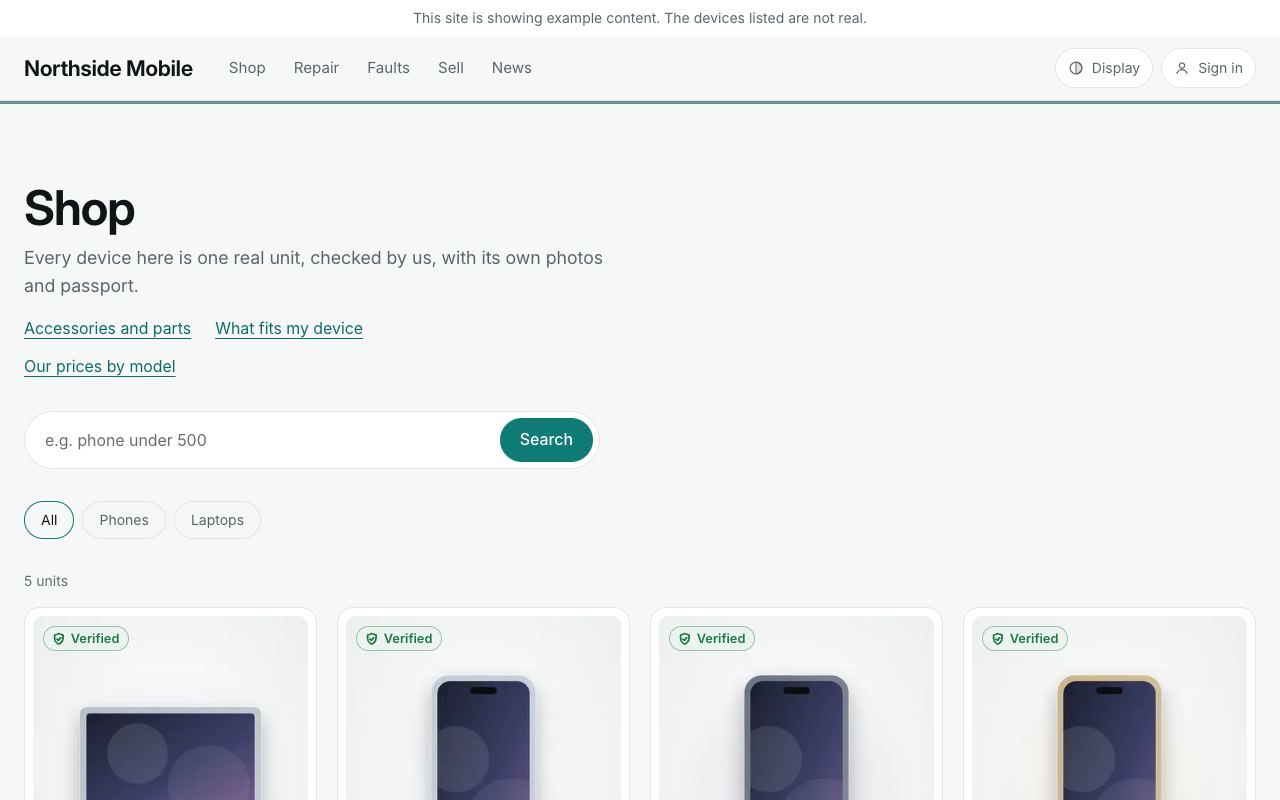
- Open the Shop and choose a unit. Use the filters for the model, the storage, the condition and the price.
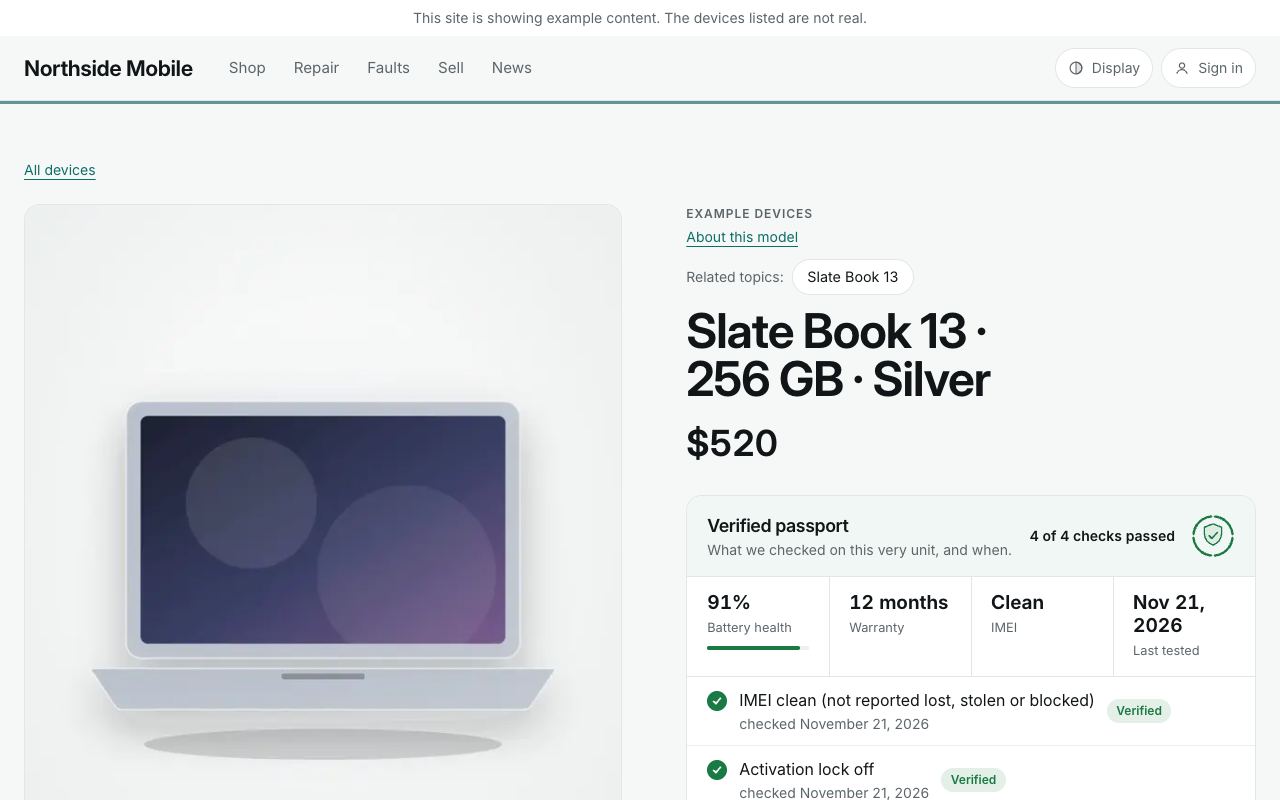
- On the unit's page, read its condition and checks, then press "Buy this unit".
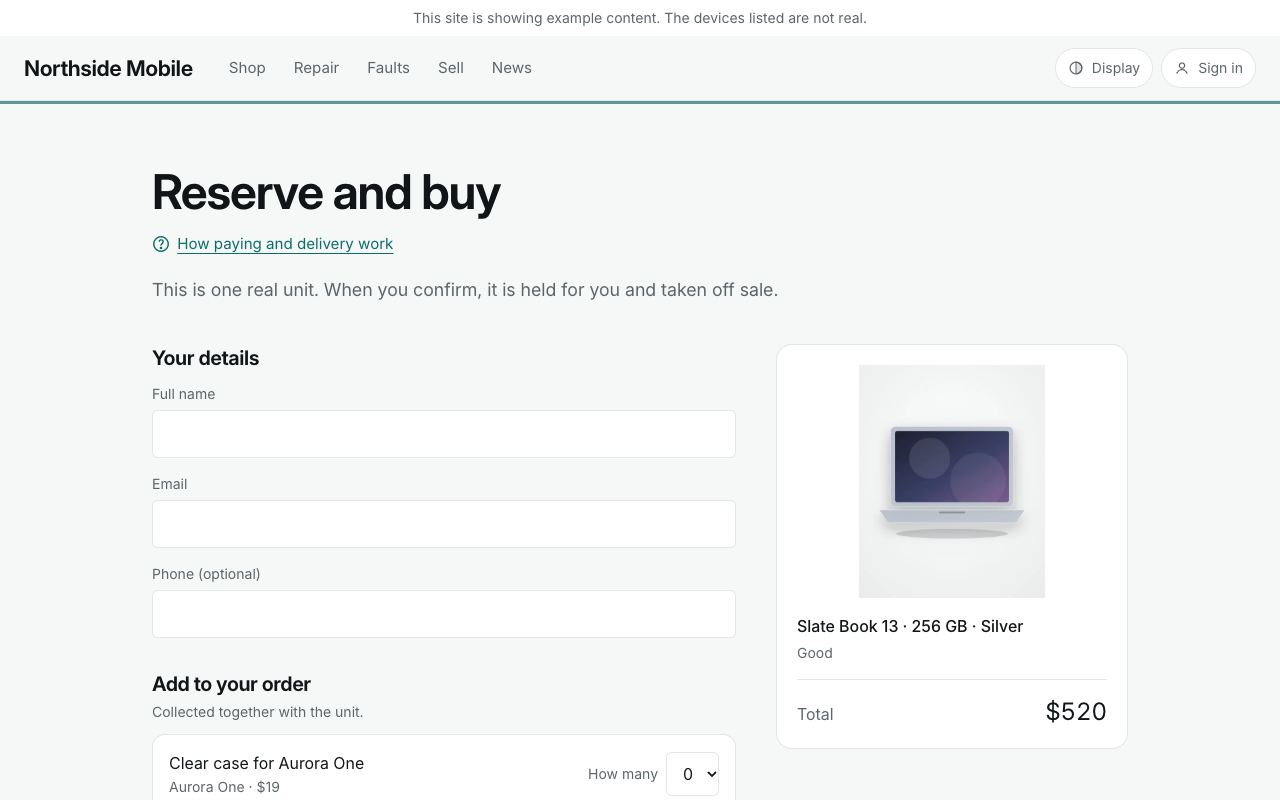
- Write your name and email (and your phone, if we should reach you about delivery).
- Choose how you get it and how you pay.
- Press "Confirm the order". The unit is held for you at once and taken off sale.
- You land on your order page. Keep its address: it is your private way back to the order, and we email it to you too.
Orders you place while signed in also appear under "Your account".
Was this helpful?