Your account
Creating an account and confirming your email
One account for your devices, orders, repairs and messages.
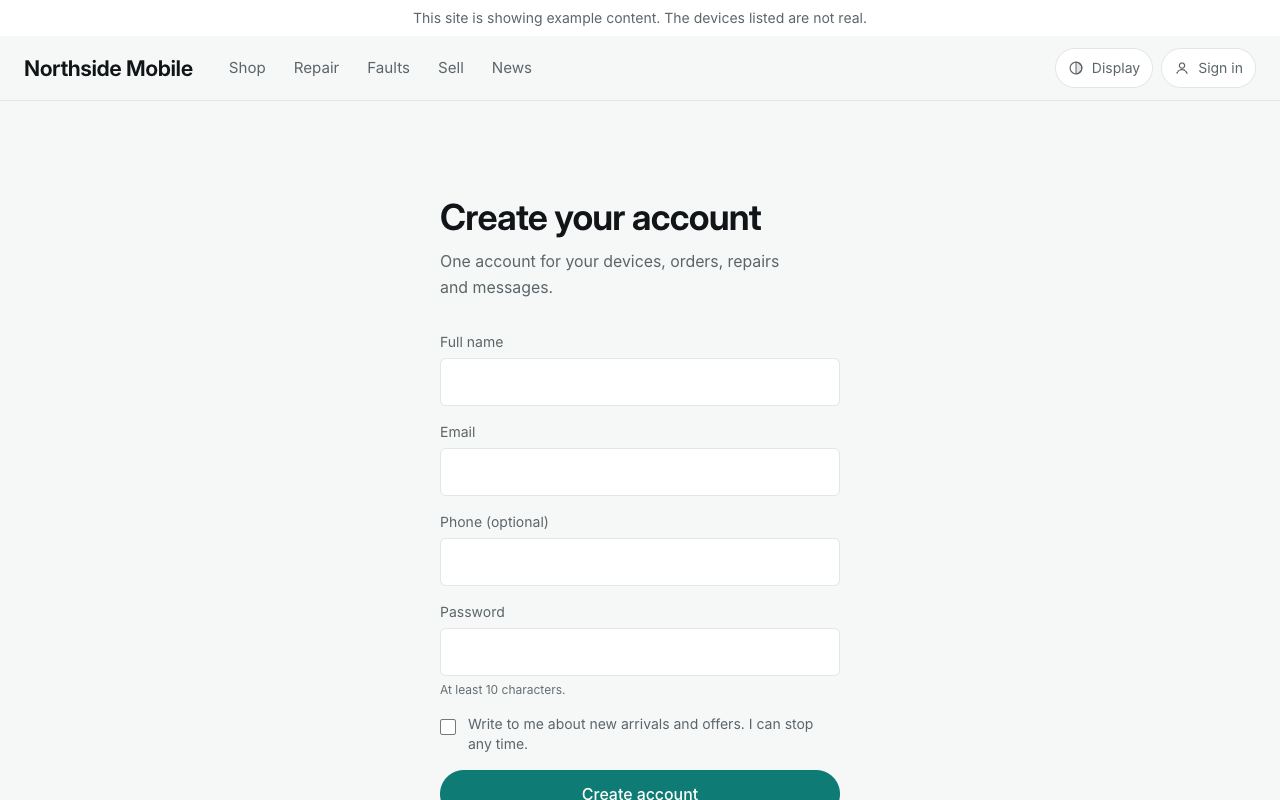
- Press "Create account" at the top (or open "Your account").
- Write your full name, your email and a password of at least 10 characters.
- Press "Create account".
Your display choices (look, text size, language) follow you on every device you sign in on.
Was this helpful?